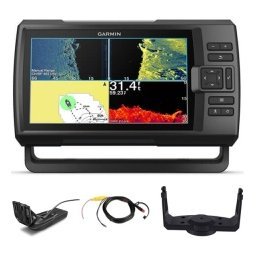
A spring fishing electronics checklist saves the first trip of the season from becoming a troubleshooting session, because winter storage can be hard on batteries, cables, screens and mounts. Cold, damp and long periods of disuse cause corrosion, drained batteries and loose connections, and it is much easier to find these problems in the driveway than on the water. This guide gives you a step-by-step checklist for inspecting power, wiring, transducers, displays, GPS, cameras and safety equipment, updating software and charts, testing everything at home and planning your first outing. Work through it a few weeks before launch day so you have time to order any parts you need.
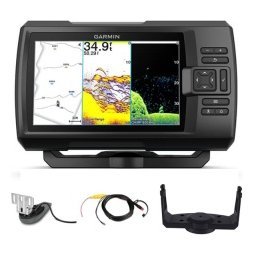
Start with power
Power problems cause more electronics failures than anything else. Check batteries first, because a weak or sulphated battery can make good electronics behave badly.
Charge and test batteries
Charge every battery fully and test it under load if you can. A battery that was stored without a charger may have lost capacity. Replace any that hold poor voltage. See our boat wiring basics guide for power fundamentals.
Inspect terminals and cables
Look for green or white corrosion at terminals, and clean it with the right tools. Check cable insulation for cracks, and tighten connections firmly. Add protective spray or grease where recommended.
Check fuses and breakers
Make sure every fuse is the right rating and that breakers operate. Carry spares.
Inspect wiring and connectors
Wiring that sat through winter may be damaged by moisture, rodents or vibration. Follow cables from battery to devices, looking for chafing, kinks and loose clips. Open connectors, check for corrosion and dry them if damp. Replace anything that looks tired, and secure loose cables away from moving parts and water.
Seal exposed connections
Use proper heat-shrink or sealed connectors, and avoid household tape. Water finds every gap.
Label cables
Label wires so future troubleshooting is easier.
Check transducers and sonar
A damaged transducer ruins sonar readings, so inspect it before the season. Check the face for cracks, growth or damage, and the cable for cuts. Make sure it is mounted securely and aimed properly. Clean it gently, because a dirty face can cause poor readings. See our guide to fish finder transducers and fish finder troubleshooting guide.
Test in water
A transducer needs water to give a proper reading. Test in a tank, a launch ramp or on the first trip, and confirm that depth and bottom readings look sensible.
Check mounting hardware
Look for loose screws, cracked brackets and worn pads. Tighten or replace as needed.
Display, GPS and software
Power up each display and check for dead pixels, moisture inside the screen and responsive controls. Confirm GPS acquires a signal quickly. Update software and firmware, and refresh charts and maps, as outdated charts can mislead. Back up waypoints and settings before updating, then check they survived. See our marine GPS waypoints guide and fishing journal guide.
Reset sensible defaults
If you changed settings during last season and forgot why, consider restoring defaults and tuning again.
Check the screen in sunlight
Look at the display outdoors. If glare is a problem, consider a sun cover, as covered in our summer electronics guide.
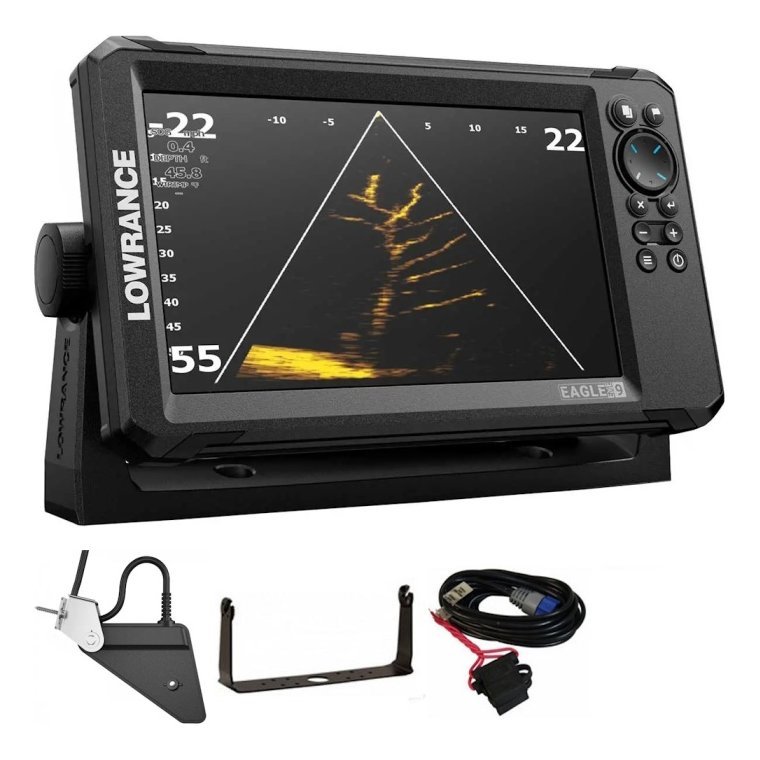
Cameras and accessories
Check camera batteries, seals and memory cards, and update firmware. Inspect mounts, tethers and floating gear, and replace worn parts. See our saltwater protection guide, GoPro battery tips and memory card guide.
Clean lenses and housings
Salt and winter dust may have built up. Clean carefully and check for scratches.
Safety equipment
Electronics are part of safety, but they do not replace basics. Check your life jackets, flares, lights, horn, VHF radio and first aid kit, and test navigation lights as described in our boat navigation lights guide. Make sure your phone, power bank and charging cables work. Review our solo fishing safety guide and consider a float plan.
Test everything together
Power the boat’s electronics at home on shore power or a charged battery. Run sonar, GPS, radio and lights together for a while, and watch for voltage drops, resets or interference. Fix problems before launch. If you cannot test sonar on land, plan a short shakedown run in calm water.
Plan the first trip
Choose a calm day and a familiar spot. Bring a spare fuse kit, tools, a spare battery or jump pack and your checklist. Keep the first trip short and focused on confirming that systems work, then relax and fish.

Common mistakes
- Assuming everything still works.
- Ignoring corrosion on terminals.
- Skipping software updates and backups.
- Not testing the transducer.
- Forgetting safety equipment.
A printable spring fishing electronics checklist order of work
Work in the same order every spring so nothing is missed. First, power: batteries, terminals, fuses and chargers. Second, wiring: cables, connectors, grounds and seals. Third, hardware: transducers, mounts, antennas and screens. Fourth, software: updates, charts, waypoints and settings. Fifth, accessories: cameras, cards, tethers and floats. Sixth, safety: lights, radios, jackets and flares. Finally, a full systems test and a short shakedown run. Tick each item off in a notebook or your fishing journal, and keep the list for next year so you can compare what changed.
Keep a spares box
A small waterproof box with fuses, connectors, heat-shrink, a multimeter, cable ties, a spare transducer screw kit and a few tools covers most problems on the water. Check the contents each spring and replace anything used.
Record problems and fixes
Write down what you found and what you repaired. Patterns, such as a connector that always corrodes, show where a permanent fix is worth the effort.
Frequently asked questions
When should I start my spring check?
Several weeks before launch, so you have time to replace parts.
Do I need to update charts every year?
It is a good habit, since charts and software change.
How do I know if a battery is weak?
Test it under load and replace it if it cannot hold charge.
Can I test sonar at home?
Only partly. A transducer needs water for a true test.
Start the season ready
A thorough spring fishing electronics checklist protects your gear, your time and your first trip of the year. Work through power, wiring, sonar, displays, cameras and safety equipment, then test everything together. Browse electronics and accessories in our shop and contact us if you need parts or advice before launch day.
Related reading from Fishtrail Outfitters
- Marine Electronics Maintenance: A Simple Routine That Prevents Failures
- Summer Boating Electronics: Protect Screens and Batteries from Heat and Sun
- Fish Finder for Pontoon Boats: Mounting, Power and Transducer Tips
- Fish Finder for a Jon Boat: A Simple, Affordable and Portable Setup
Products mentioned in this guide
- Lowrance Eagle 5 CHIRP Splitshot Gps Fishfinder + 455/800 KHz Transducer
- Lowrance Eagle 5 CHIRP HDI Gps Fishfinder + 83/200/455/800 KHz Transducer
- Lowrance Eagle 5 CHIRP HDI Gps Fishfinder + 50/200/455/800 KHz Transducer
Further reading: U.S. Coast Guard boating safety resources · National Weather Service marine forecasts
Questions before you buy? Contact Fishtrail Outfitters or browse the shop.